WiFi devices & security for iPhone
See every device on your WiFi.
Pinggo shows who and what is on your home WiFi, tells you in plain English why a device went offline, and flags devices you don't recognize. Everything stays on your iPhone.
Home WiFi
12 devices
Last scan just now
- Living Room TV Online
- Front Door Camera Offline since 2:14 PM
- Unknown device Needs your review
What Pinggo does
Practical answers about your home network, without the jargon.
-
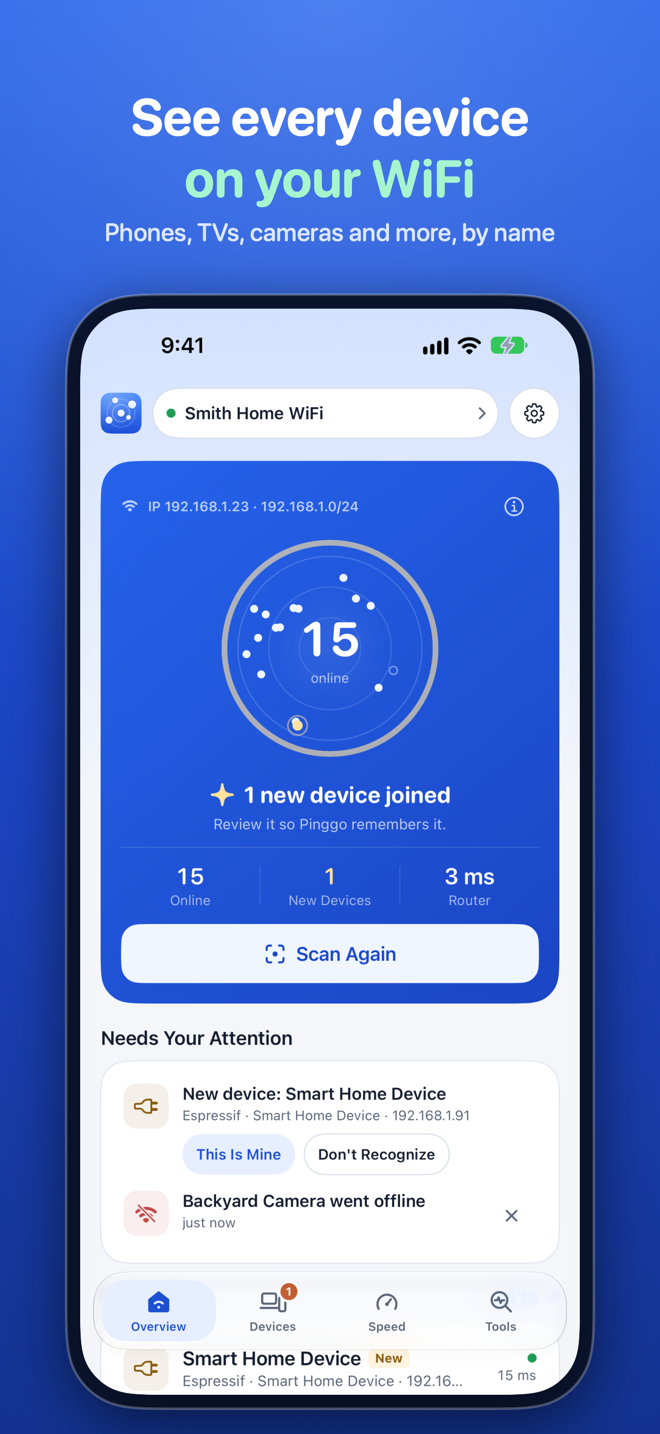
Scan your WiFi
Finds phones, TVs, cameras, speakers, printers, and consoles, and names them by device name, services, and maker. Each WiFi network keeps its own list.
-
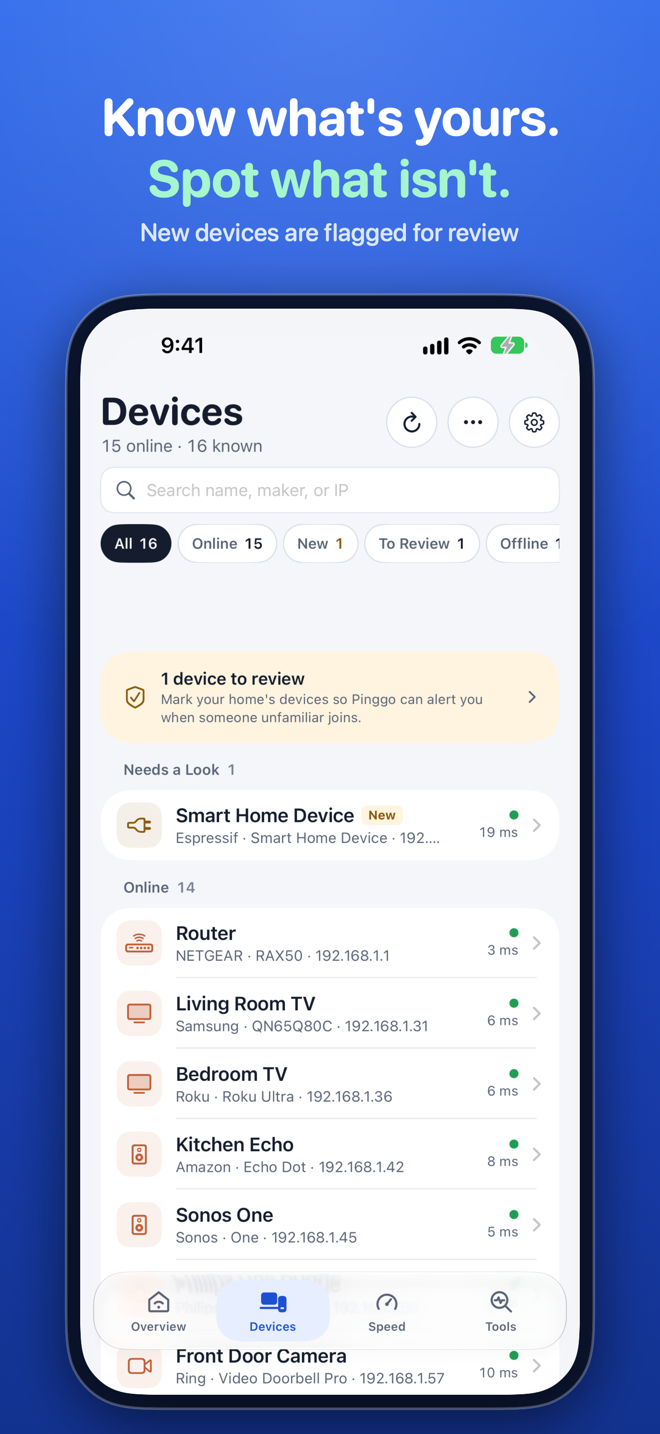
Spot unknown devices
Mark the devices that are yours. Anything new shows up in "Needs your review", and you get a notification when something new joins.
-
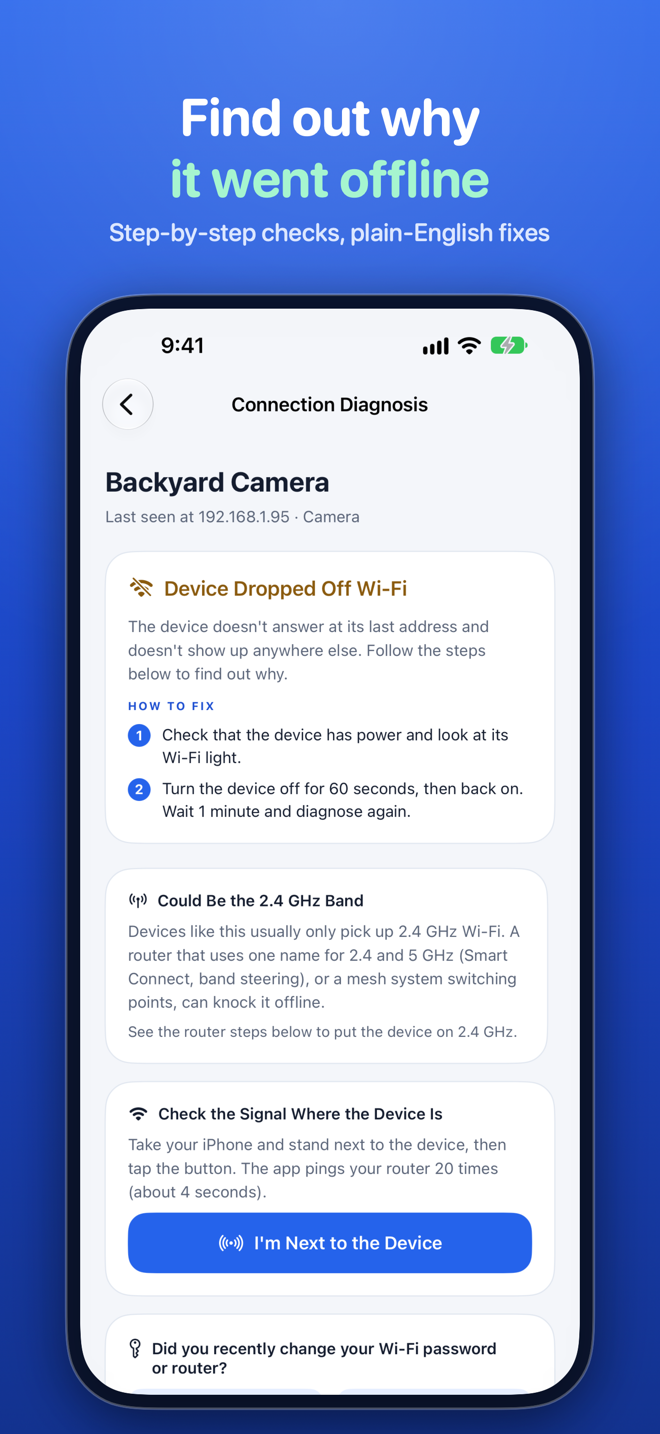
"Why is it offline?"
Step-by-step checks of your WiFi, router, the device itself, and its maker's cloud, ending in a plain-English cause and what to try next.
-
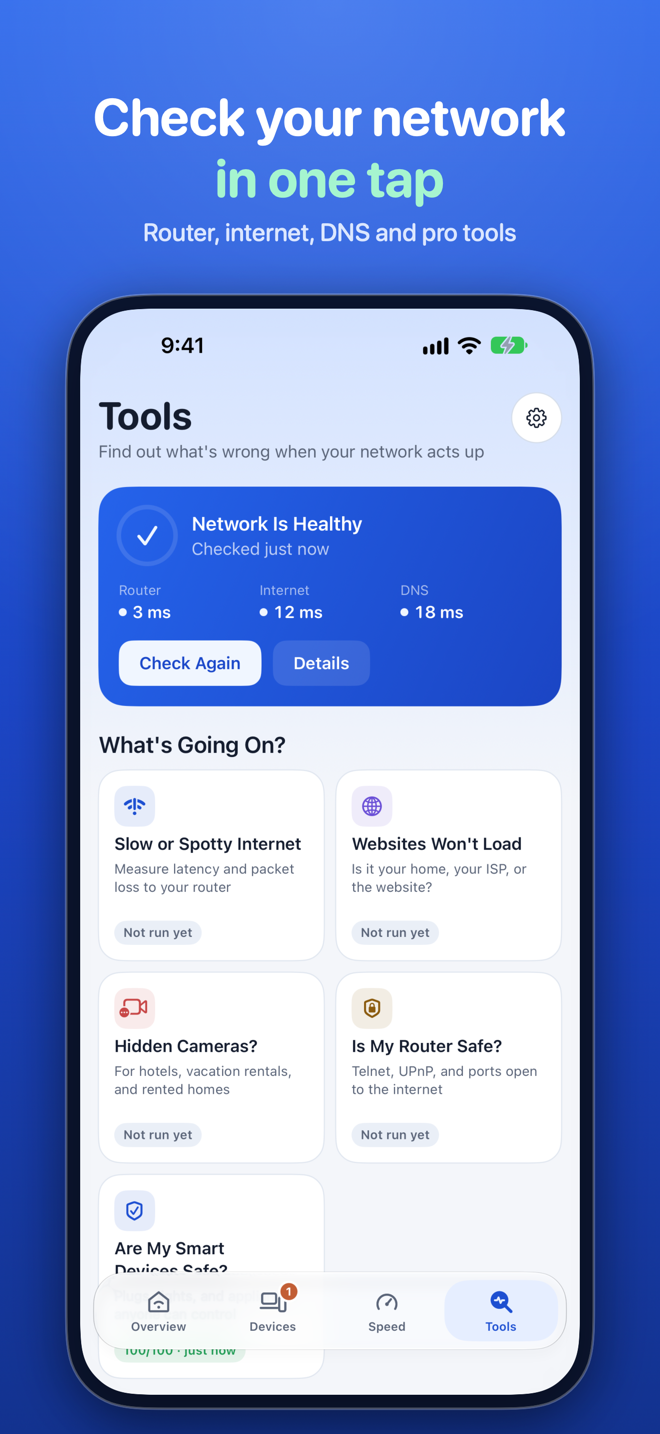
Network check
Router, internet, and DNS health in one tap, so you know where a problem starts.
-
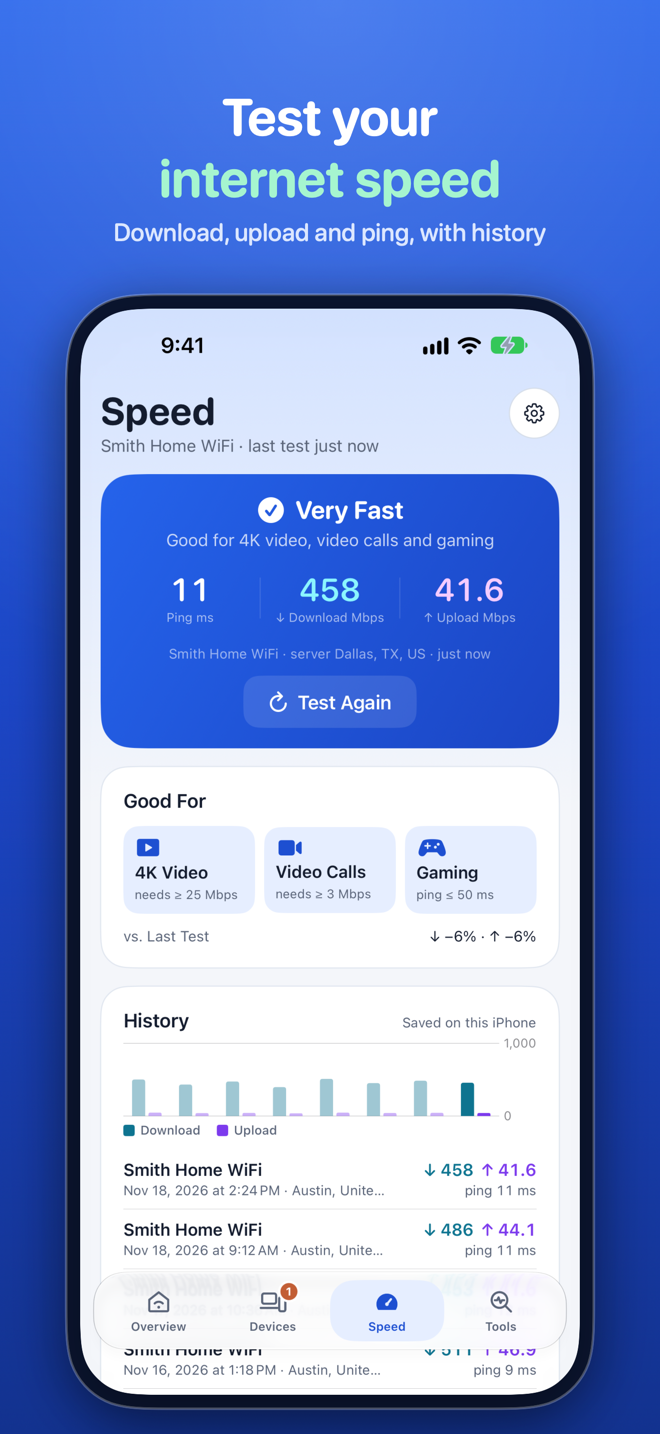
Speed test
Download, upload, and ping, powered by Measurement Lab. Your history and a trend chart show how your connection holds up.
-
Handy tools
Ping, traceroute, DNS lookup, port scan, a router security check, and a hidden camera finder that looks for camera-like devices on your network.
-
Device security
Flags risky open services on a device, like telnet or an exposed admin page, and explains what they mean.
-
Widgets and Shortcuts
Home Screen widgets, Control Center, Siri Shortcuts, and a Live Activity while a speed test runs.
Available in 14 languages, in light and dark mode.
How it works
-
Step 1: Scan
Tap Scan. Pinggo finds the phones, TVs, cameras, speakers, and everything else on your WiFi, and names them.
-
Step 2: Mark yours
Mark the devices you recognize as yours. Pinggo remembers them for this network.
-
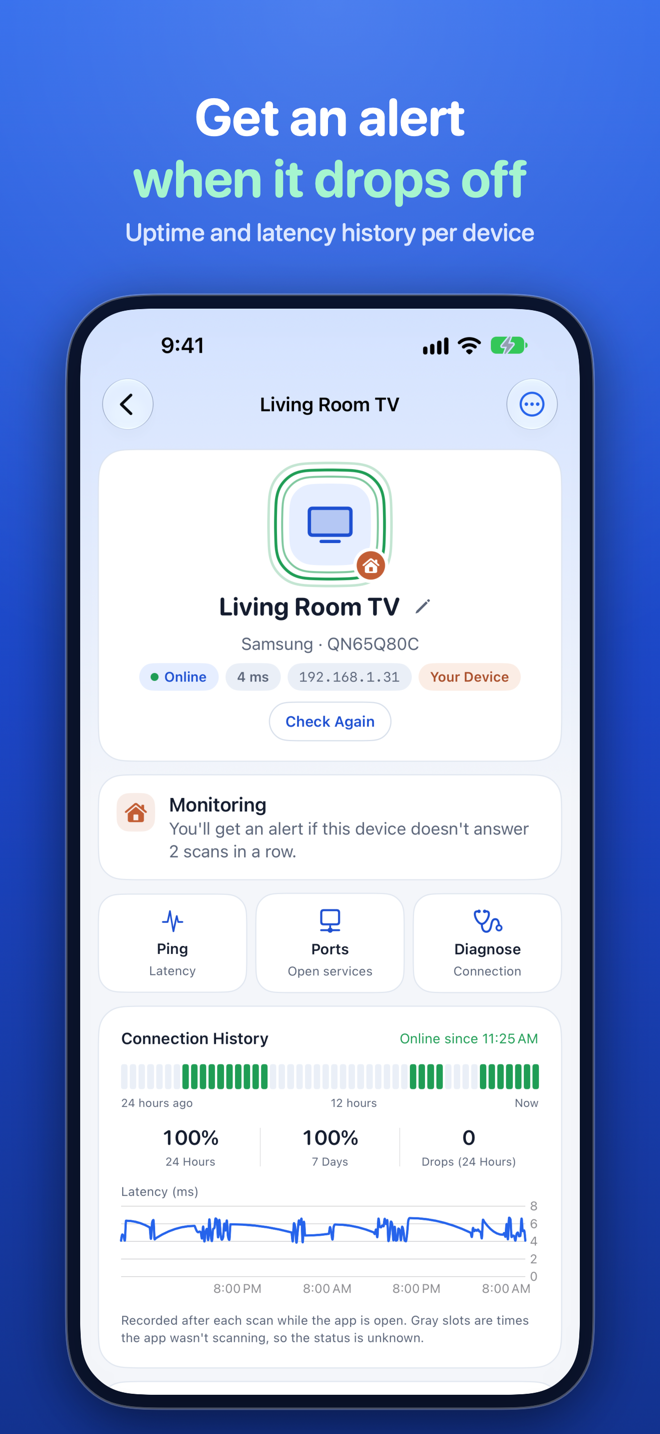
Step 3: Get told when something's off
A new device joins, or one of yours drops off WiFi? You hear about it, with a plain-English reason and what to try.
A look inside
Real screens from the app.
Private by design
Your device list never leaves your iPhone. No account, no ads, no tracking.
Scan results, the names you give devices, and your history are stored only in the app. Read exactly when the app goes online in our Privacy Policy.
Questions
Why are some devices missing?
Devices that are asleep or block replies don't answer a scan. Wake the device, then scan again. Devices on a guest network can't be seen from the main network.
Why can't I see MAC addresses?
iOS doesn't let apps read other devices' MAC addresses. Pinggo recognizes devices by their name, services, and maker instead.
Why does the app need Location?
iOS only reveals the WiFi name to apps with Location access. Your location is not stored.
Is my data sent anywhere?
No. Your device list and history stay on your iPhone. The Privacy Policy explains when the app goes online.
Why is the speed lower than my plan?
WiFi, distance from the router, and other devices using the network all lower the result. Test close to the router to see what your internet plan delivers.
Still stuck? Visit Support.
Know what's on your WiFi.
Pinggo: Network Scanner, for iPhone.